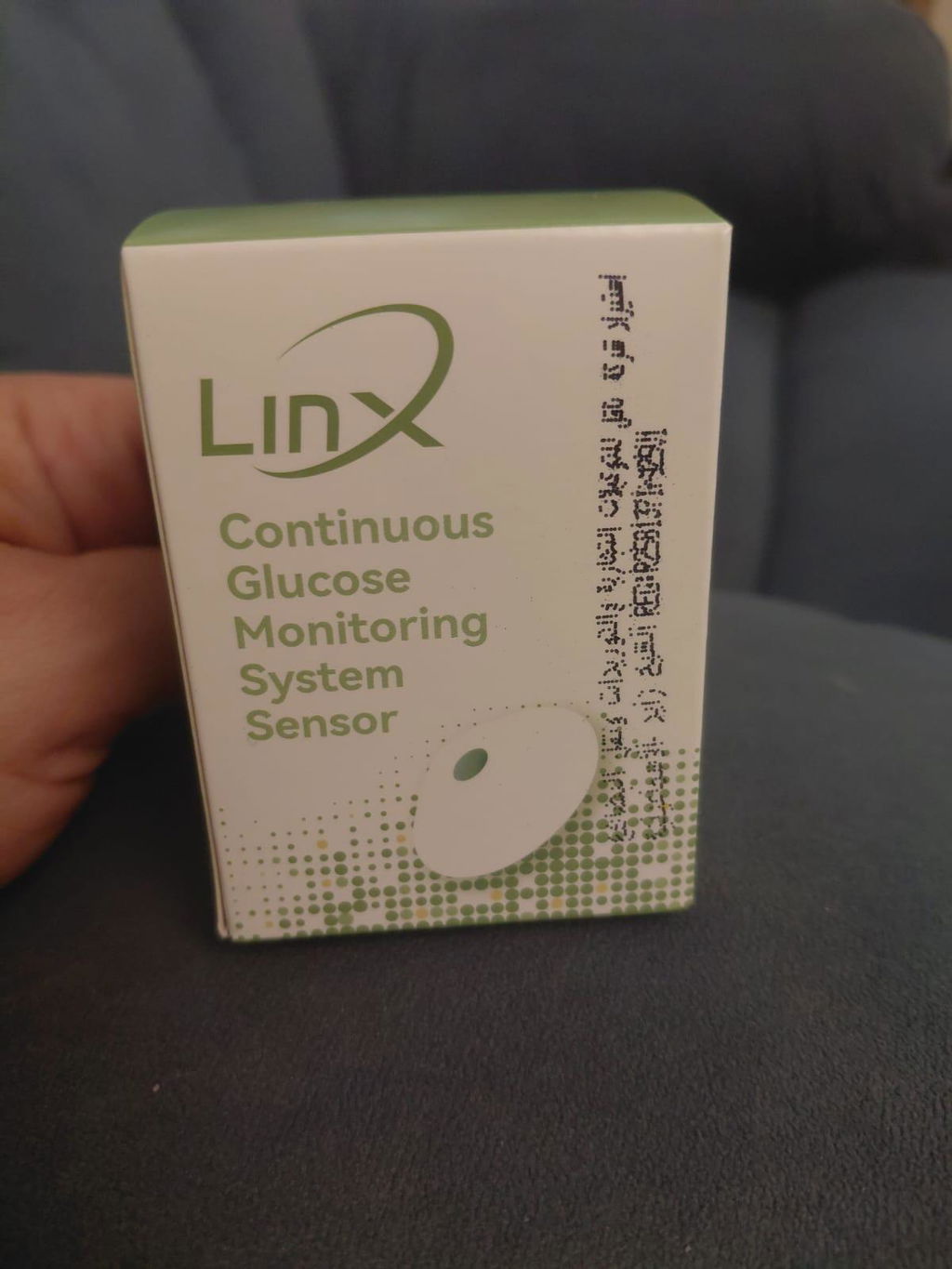
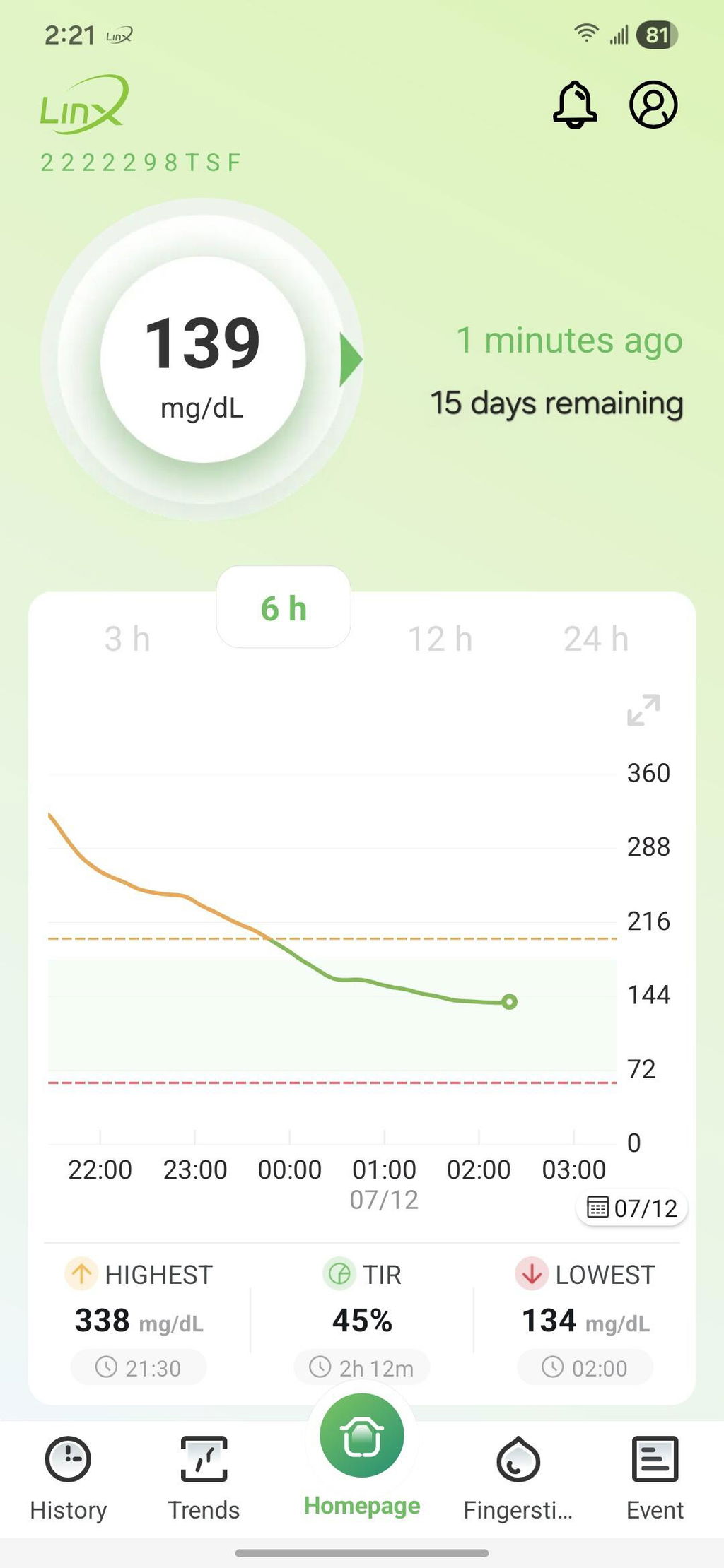
السنسور ممتاز وحجمه صغير ويمكن اعادة معايرته وفقا لقراءة جهاز القياس بالدم
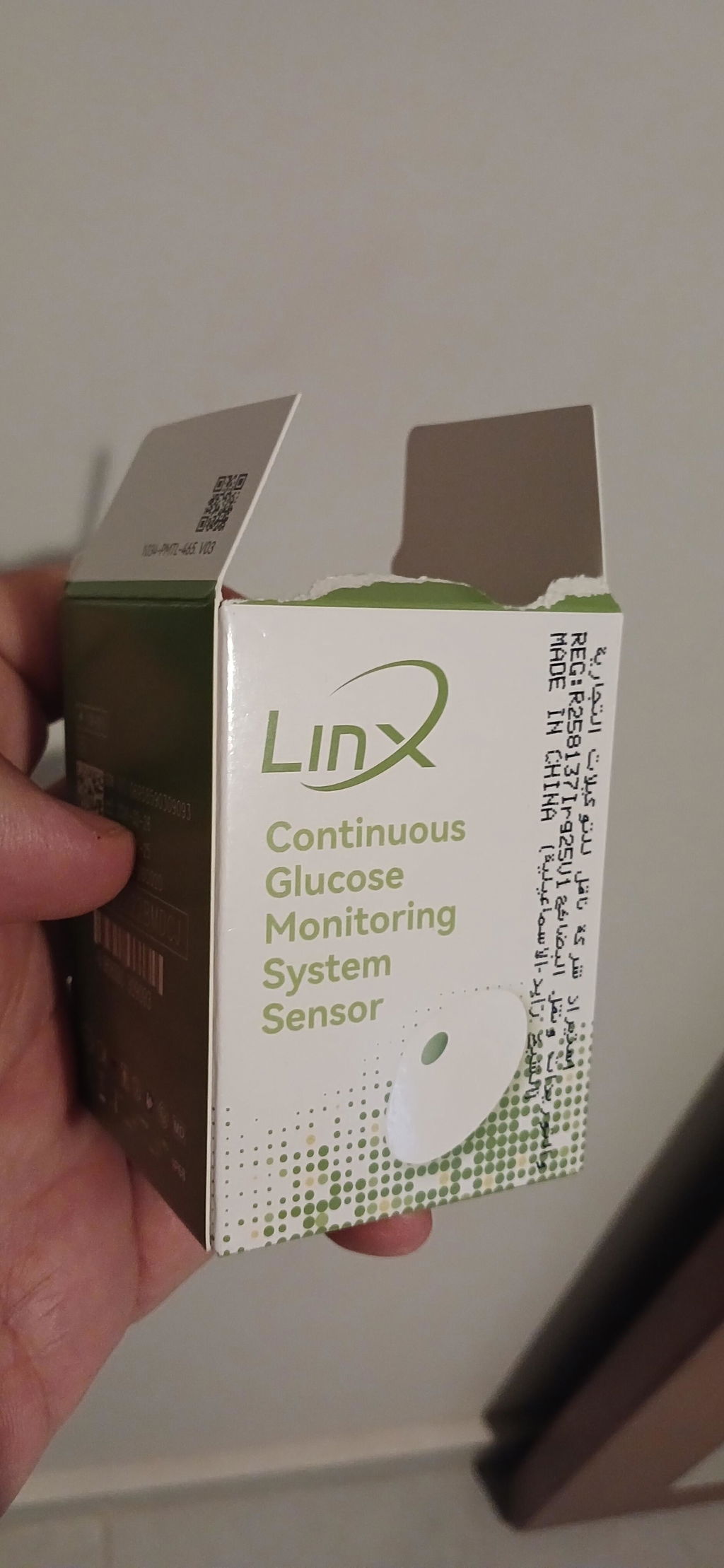
Great experience and full control and monitor of the glucose levels

You have %itemCount% in your cart.Total being %total%
Note:
For individualized guidance and assistance, consult your healthcare provider regularly about your glucose monitoring and sensor usage.
Open the LinX app, tap the “Personal Account” icon, select Share/Follow, and choose + Account Authorization. Then, enter the caregiver’s or healthcare provider’s email address and optionally add a nickname for easy identification.
To enable remote sharing, your caregiver or healthcare provider should first create their own account in the LinX app. After that, you can authorize their account by entering their email address and following the on-screen steps to grant access.
After authorization, the caregiver can locate your account under “My Follows” in their LinX app. From there, they can view your glucose data and track trends directly from their app’s home screen.
Make sure your caregiver’s account is properly authorized and that their alert preferences are set correctly. If the issue continues, verify that the app is updated to the latest version or reach out to LinX support for further help.
Yes, you can remove a caregiver or healthcare provider by navigating to the Share/Follow section in the app and revoking their access. Once removed, they will no longer have access to your glucose data or receive any alerts.
If you update your email or account information, you’ll need to adjust the authorization settings for your caregivers or healthcare providers. Re-enter their email addresses and reauthorize access through the Share/Follow section of the app.

United Arab Emirates: Sheikh Rashid Bin Saeed Al Maktoum Street, Executive Office – C1-904, Ajman FZ
Egypt: 4th Floor, The 47 Office Building, Street 90 North, New Cairo 1, Cairo Governorate 11835, Egypt.

Egypt: 1st Floor, Corner of Building No. 37G – Al Mazadat Ring Road, Third District, Ismailia, Egypt.
Previous Administrative Address: 23B, Al Marawa, Sheikh Zayed, Ismailia, Egypt.
This site requires cookies in order to provide all of its functionality.