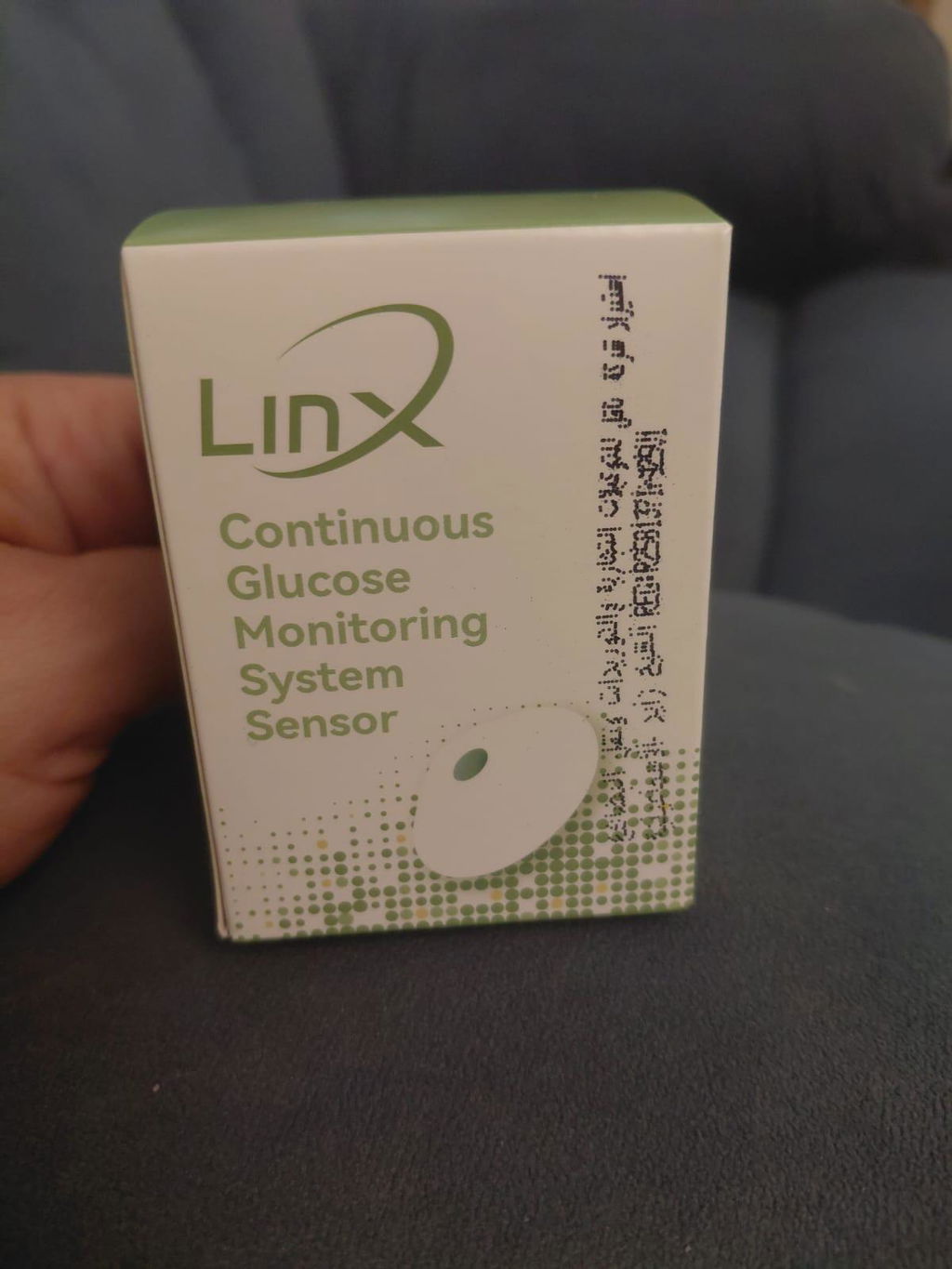
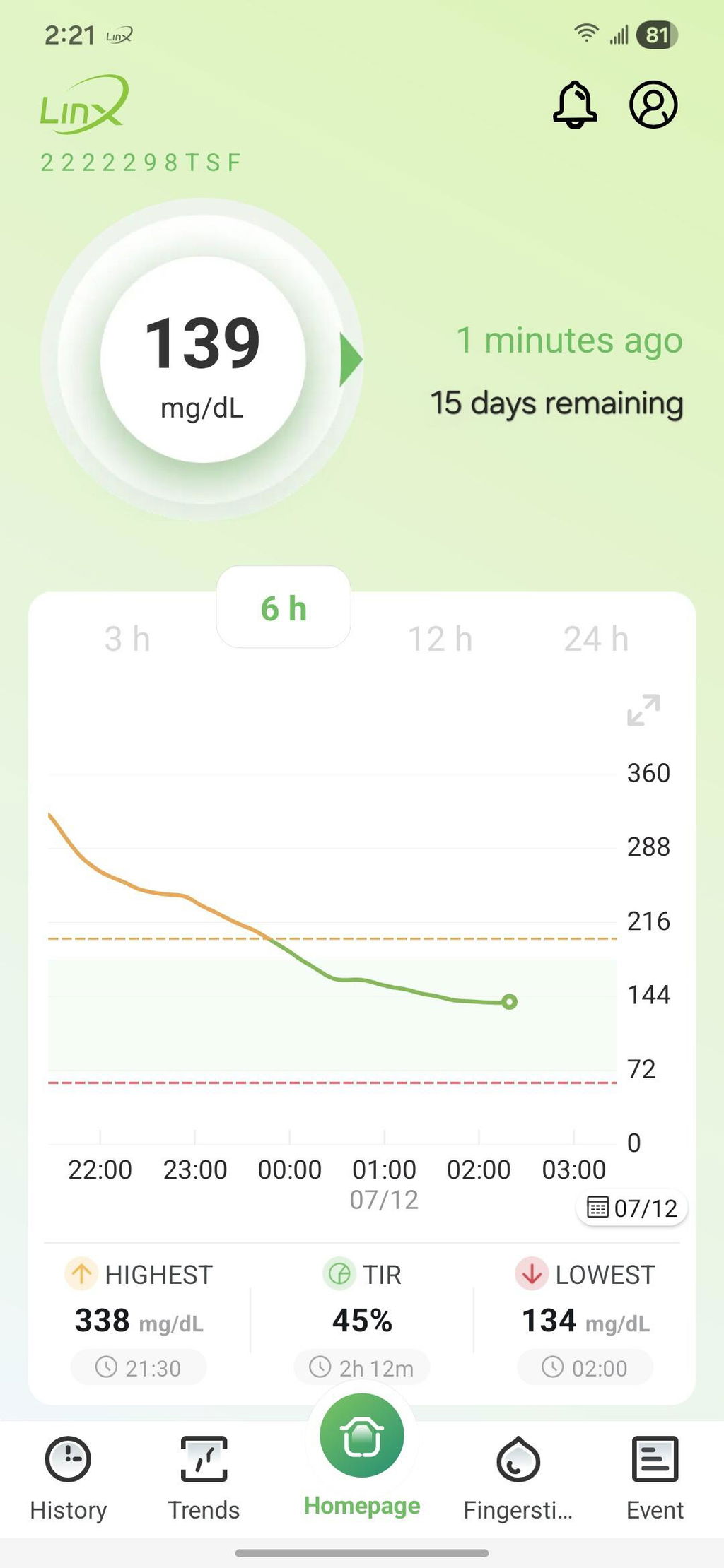
السنسور ممتاز وحجمه صغير ويمكن اعادة معايرته وفقا لقراءة جهاز القياس بالدم
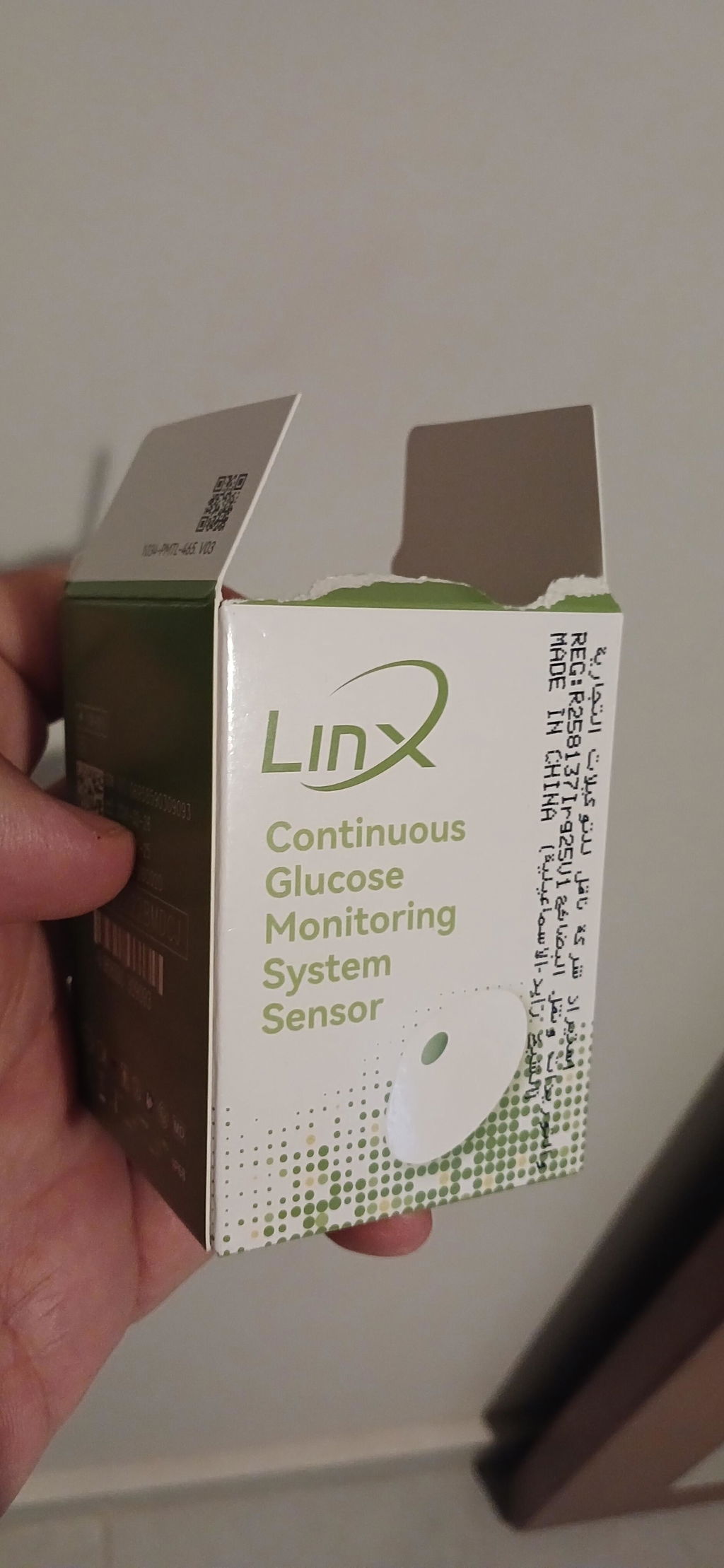
Great experience and full control and monitor of the glucose levels

You have %itemCount% in your cart.Total being %total%
Note:
For individualized guidance and assistance, consult your healthcare provider regularly about your glucose monitoring and sensor usage.
Search for “LinX CGM” in the Google Play Store or Apple App Store, install the app, create an account with your email, set a password that meets the criteria, and verify it using the code sent to your email.
In the LinX CGM app, you should choose the glucose measurement unit that matches your region’s standard. For example, the United States uses milligrams per deciliter (mg/dL), while the UAE and many other countries use millimoles per liter (mmol/L). When you log into the app, it will prompt you to select your preferred unit during setup, ensuring your readings are displayed in the correct format for your area. Other countries may use different units, so be sure to choose the one appropriate for your location.
Wash the area with soap and water, then dry it thoroughly. Disinfect the skin using pure medical alcohol, avoiding products such as perfumes or hand sanitizers. Allow the skin to air dry completely before applying the sensor.
Make sure the skin is thoroughly cleaned and disinfected before applying the sensor. The LinX CGM sensor can be placed either on the back of the upper arm or on the abdomen, with no difference in performance between the two areas. However, the back of the upper arm is generally preferred for better comfort. If the adhesive does not stick properly, check for the presence of oil, dust, or other impurities on the skin. If the issue continues, contact customer support for assistance.
After applying the sensor, open the app, tap the pairing icon, and choose the sensor’s serial number from the list of available devices. Once connected, the system will begin a warm-up period, and your glucose readings will appear after 60 minutes.
Cleaning eliminates dirt, oils, and residues to help the adhesive stick effectively, while disinfecting destroys bacteria to reduce the risk of infection. Both steps are essential — cleaning ensures proper adhesion, and disinfecting safeguards against germs.

United Arab Emirates: Sheikh Rashid Bin Saeed Al Maktoum Street, Executive Office – C1-904, Ajman FZ
Egypt: 4th Floor, The 47 Office Building, Street 90 North, New Cairo 1, Cairo Governorate 11835, Egypt.

Egypt: 1st Floor, Corner of Building No. 37G – Al Mazadat Ring Road, Third District, Ismailia, Egypt.
Previous Administrative Address: 23B, Al Marawa, Sheikh Zayed, Ismailia, Egypt.
This site requires cookies in order to provide all of its functionality.